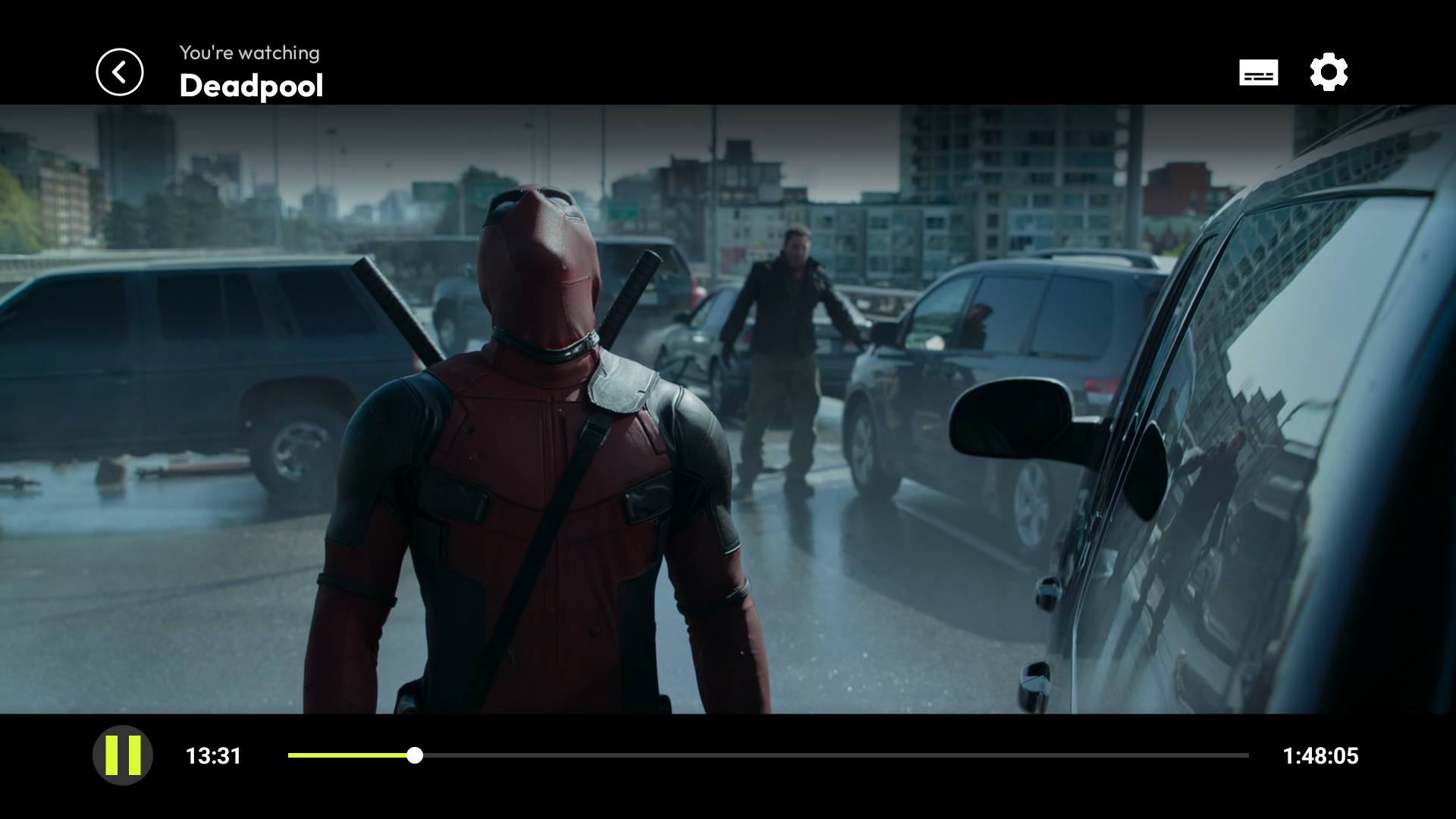
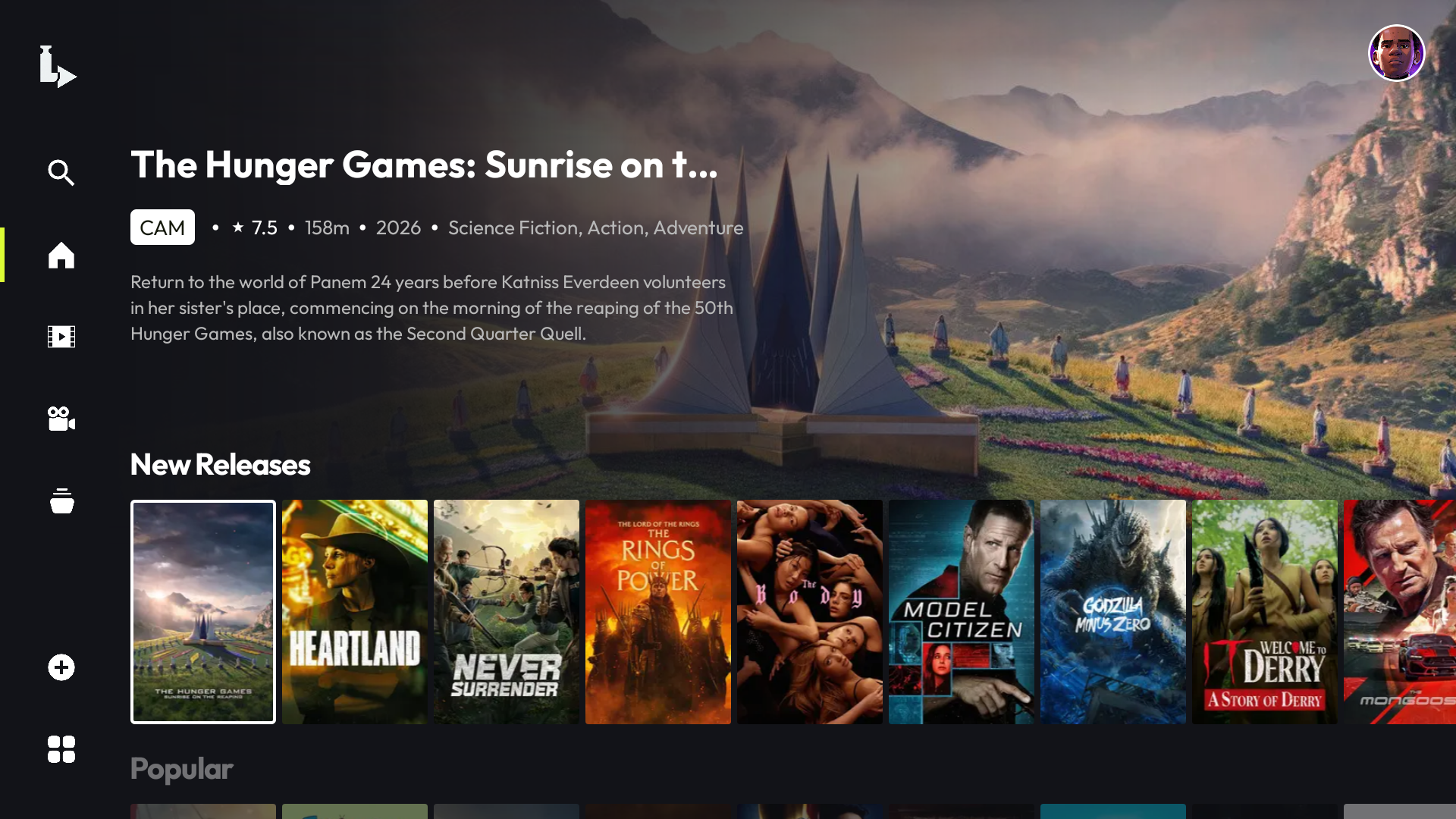
Built for TV remotes
Designed for D-pad navigation with a clean side rail and clear focus states.
Quality tags and previews
See release quality before playing, switch sources, and scrub with thumbnails.
Optional TV sync
Watch as a guest, or sign in with a 6-digit code to sync Continue Watching and My List.
How to install
Three quick steps on any Google TV or Android TV device.
-
01
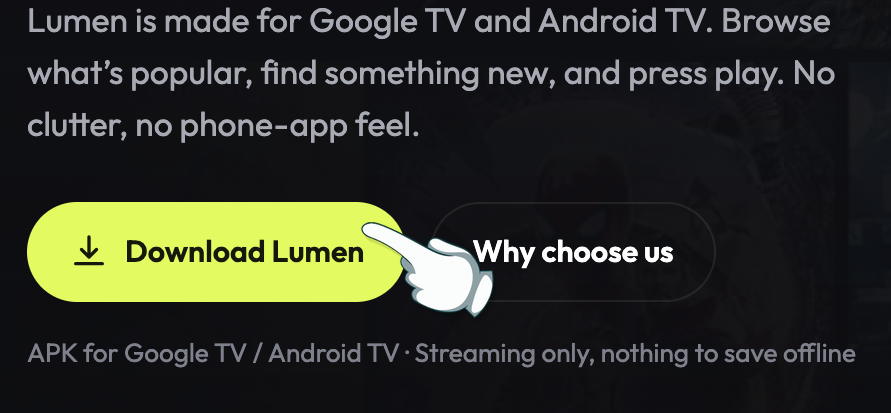
Download the APK
Use the Download APK button at the top of this page, or enter the Downloader code on your TV.
-
02
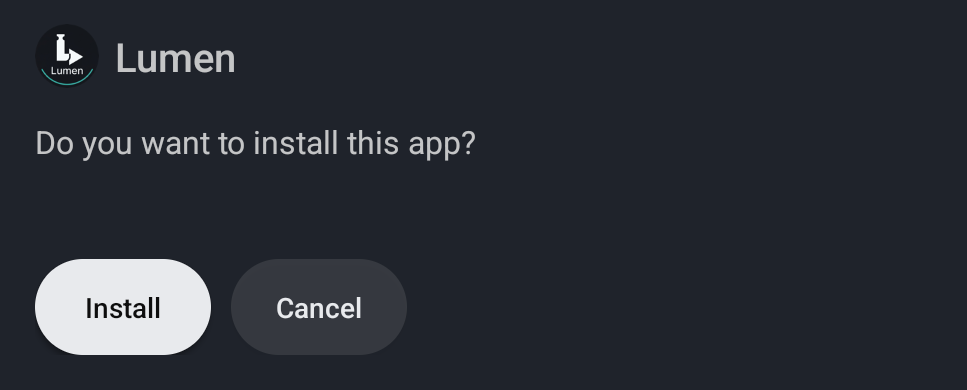
Install on your TV
Open the APK on your TV and confirm install. Allow installs from your browser or transfer app if prompted.

-
03
Open and watch
Launch Lumen from your apps row. Browse new releases, search a title, pick an episode, and press play.